基于HTML5 SVG可互动的3D标签云jQuery插件
时间:2016-03-15简要教程
svg3dtagcloud.js是一款基于HTML5 SVG的3D标签云jQuery插件。该3D标签云插件不需要额外的CSS样式,可使用鼠标与标签进行互动,并提供很多参数来控制标签云的外观。

使用方法
使用该3D标签云插件需要引入jQuery和jquery.svg3dtagcloud.min.js文件。
HTML结构
可以使用一个
容器来作为该3D标签云的包裹容器。
初始化插件
首先你需要设置一个对象数组遍历,数组中包含你需要制作的标签和它们对应的链接地址。
var entries = [
                { label: 'CodePen', url: 'http://codepen.io/', target: '_top' },
                { label: 'three.js', url: 'http://threejs.org/', target: '_top' },
                { label: 'JS Compress', url: 'http://jscompress.com/', target: '_top' },
                { label: 'TinyPNG', url: 'https://tinypng.com/', target: '_top' },
                { label: 'Can I Use', url: 'http://caniuse.com/', target: '_top' },
                { label: 'URL shortener', url: 'https://goo.gl/', target: '_top' },
                { label: 'Twitter', url: 'https://twitter.com/', target: '_top' },
                { label: 'Gulp', url: 'http://gulpjs.com/', target: '_top' },
                { label: 'Browsersync', url: 'https://www.browsersync.io/', target: '_top' },
                { label: 'GitHub', url: 'https://github.com/', target: '_top' },
                { label: 'Shadertoy', url: 'https://www.shadertoy.com/', target: '_top' },
                { label: 'jsPerf', url: 'http://jsperf.com/', target: '_top' },
                { label: 'Foundation', url: 'http://foundation.zurb.com/', target: '_top' },
                { label: 'CreateJS', url: 'http://createjs.com/', target: '_top' },
                { label: 'Velocity.js', url: 'http://julian.com/research/velocity/', target: '_top' },
                { label: 'jQuery', url: 'https://jquery.com/', target: '_top' },
            ];
然后可以通过下面的方法来初始化该3D标签云插件。
$( '#tag-cloud' ).svg3DTagCloud( {entries: entries} );
配置参数
svg3dtagcloud.js插件的可用配置参数有:
- entries:一个对象数组,用于初始化标签。
- width:标签云的宽度。
- height:标签云的高度。
- radius:标签云的半径。
- radiusMin:标签云的最小半径。
- bgDraw:是否使用背景色。
- bgColor:背景颜色。
- opacityOver:鼠标滑过标签时的标签透明度。
- opacityOut:鼠标离开标签时的标签透明度。
- opacitySpeed:标签透明度过渡速度。
- fov:how the content is presented。
- speed:标签云动画的速度。
- fontFamily:标签云的字体。
- fontSize:标签云的字体大小。
- fontColor:标签云的字体颜色。
- fontWeight:标签云的字体的fontWeight。
- fontStyle:标签云的字体样式。
- fontStretch:标签云的字体的fontStretch。
- fontToUpperCase:是否转换为大写字体。
来源:http://www.htmleaf.com/html5/SVG/201602253145.html
相关文章
 基于HTML5的WebGL经典3D虚拟机房漫游动画这篇文章主要介绍了基于HTML5的WebGL经典3D虚拟机房漫游动画,需要的朋友可以参考下
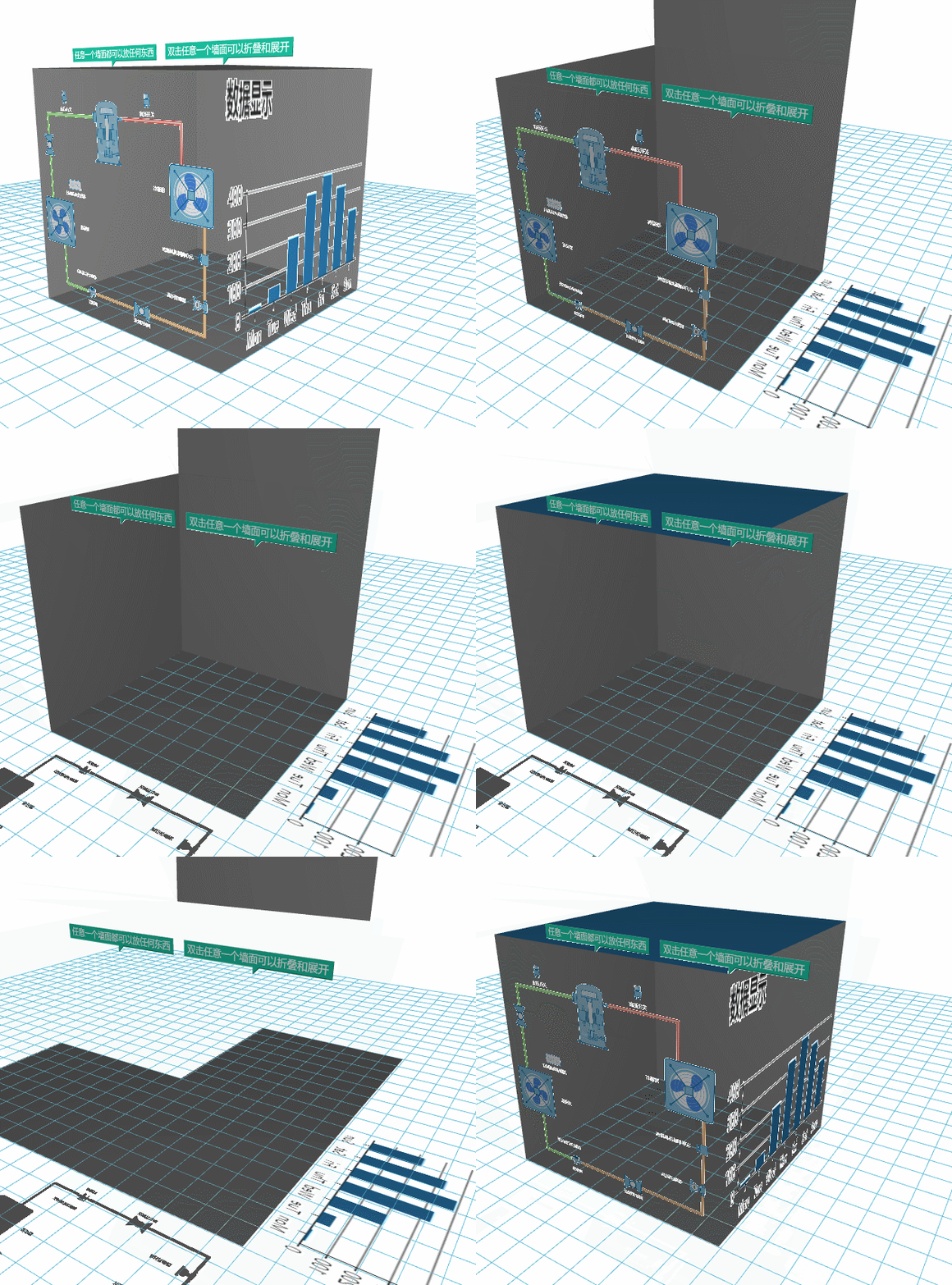 基于HTML5的WebGL实现json和echarts图表展现在同一个界面这篇文章主要介绍了基于HTML5的WebGL实现json和echarts图表展现在同一个界面的相关资料,需要的朋友可以参考下
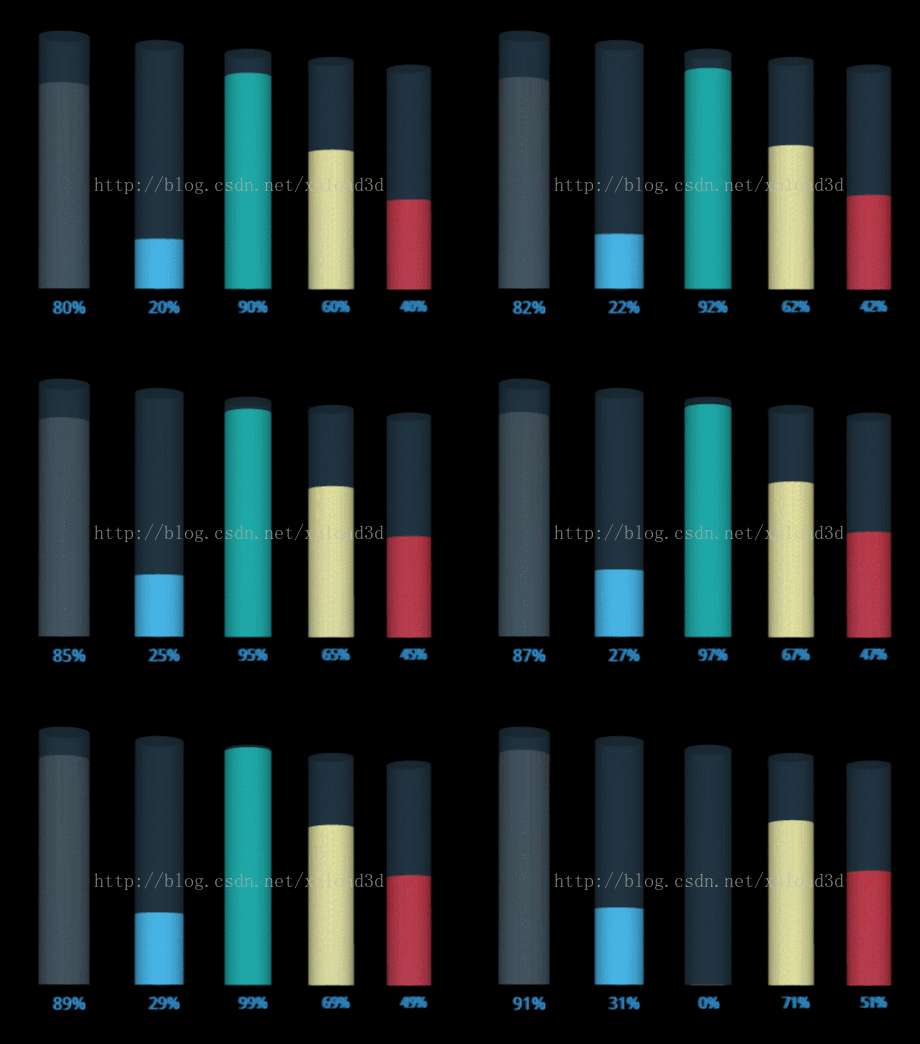 基于HTML5 Canvas的3D动态Chart图表的示例这篇文章主要介绍了基于HTML5 Canvas的3D动态Chart图表的示例,小编觉得挺不错的,现在分享给大家,也给大家做个参考。
 基于HTML5+CSS3实现简单的时钟效果利用html5,css实现钟摆效果 ,在项目中经常会遇到,今天小编把基于HTML5+CSS3实现简单的时钟效果的实现代码分享到脚
- 基于HTML5实现类似微信手机摇一摇功能(计算摇动次数)这篇文章主要介绍了基于HTML5实现类似微信手机摇一摇功能(计算摇动次数),需要的朋友可以参考下
 基于HTML5陀螺仪实现ofo首页眼睛移动效果的示例这篇文章主要介绍了基于HTML5陀螺仪实现ofo首页眼睛移动效果的示例,具有一定的参考价值,感兴趣的小伙伴们可以参
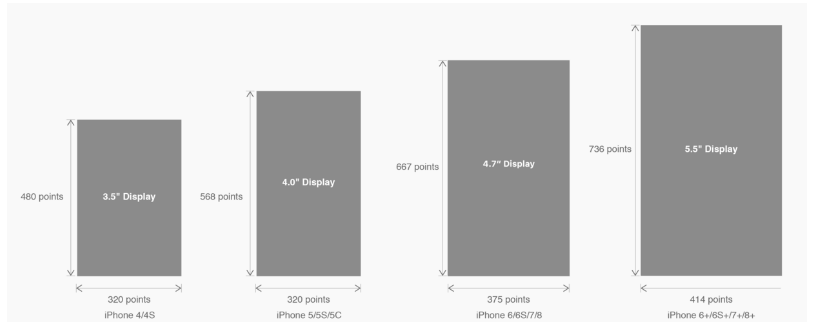 有关HTML5页面在iPhoneX适配问题这篇文章主要介绍了有关HTML5页面在iPhoneX适配问题,需要的朋友可以参考下
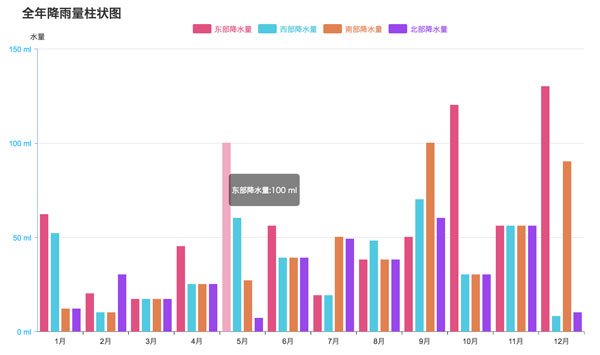 html5中canvas图表实现柱状图的示例本篇文章主要介绍了html5中canvas图表实现柱状图的示例,本文使用canvas来实现一个图表,小编觉得挺不错的,现在分享给大家