基于mo.js制作的17种炫酷图标动画特效
时间:2016-03-15简要教程
这是一款基于mo.js制作的一组炫酷图标动画特效。这组图标动画共有17种效果,它们使用font-awesome作为图标,采用SVG技术,在用户点击图标时产生各种炫酷的图标动画特效。
mo.js是Oleg Solomka开发的一款图形动画javascript库。通过它你可以制作出非常有趣的图形动画效果。

使用方法
HTML结构
图标的HTML结构使用一个按钮来包裹一个Font Awesome图标。
制作图标动画
然后你就可以通过mo.js提供的方法来制作动画特效。
var el = document.querySelector('.icobutton'),
  elSpan = el.querySelector('span'),
  // mo.js timeline obj
  timeline = new mojs.Timeline(),

  // tweens for the animation:

  // burst animation
  tween1 = new mojs.Burst({
    parent: el,
    duration: 1500,
    shape : 'circle',
    fill : [ '#988ADE', '#DE8AA0', '#8AAEDE', '#8ADEAD', '#DEC58A', '#8AD1DE' ],
    x: '50%',
    y: '50%',
    opacity: 0.6,
    childOptions: { radius: {20:0} },
    radius: {40:120},
    count: 6,
    isSwirl: true,
    isRunLess: true,
    easing: mojs.easing.bezier(0.1, 1, 0.3, 1)
  }),
  // ring animation
  tween2 = new mojs.Transit({
    parent: el,
    duration: 750,
    type: 'circle',
    radius: {0: 50},
    fill: 'transparent',
    stroke: '#988ADE',
    strokeWidth: {15:0},
    opacity: 0.6,
    x: '50%',
    y: '50%',
    isRunLess: true,
    easing: mojs.easing.bezier(0, 1, 0.5, 1)
  }),
  // icon scale animation
  tween3 = new mojs.Tween({
    duration : 900,
    onUpdate: function(progress) {
      var scaleProgress = scaleCurve4(progress);
      elSpan.style.WebkitTransform = elSpan.style.transform
            = 'scale3d(' + scaleProgress + ',' + scaleProgress + ',1)';
    }
  });

// add tweens to timeline:
timeline.add(tween1, tween2, tween3);

// when clicking the button start the timeline/animation:
el.addEventListener('mouseenter', function() {
  timeline.start();
}); 关于mo.js的详细使用方法,你可以参考它的官方网站:mo.js。
来源http://www.htmleaf.com/html5/SVG/201602243142.html
相关文章
 如何将 HTML5 性能发挥到极致由于实际运行环境是在浏览器中,因此性能还取决于JavaScript解释器的效率,指定的FPS帧速在低性能解释器中可能不会
 HTML5 VideoAPI,打造自己的Web视频播放器本文将使用HTML5提供的VideoAPI做一个自定义的视频播放器,需要用到HTML5提供的video标签、以及HTML5提供的对JavascriptAP
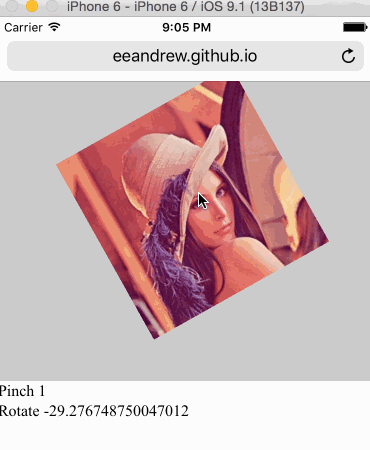 HTML5 手势检测原理和实现随着 Hybrid 应用的丰富,HTML5 工程师们已经不满足于把桌面端体验简单移植到移动端,他们觊觎移动原生应用人性化的
- 4分钟学会网页样式[译]你想要在自己网站上分享一个产品,或者是一个作品集,又或者仅仅只是一个灵感。在你发布到网上之前,你想让它
 H5你真的了解吗?(绝对干货)H5广告,包括H5广告的设计流程,究竟有什么讲究,和阶段。为了能帮助更多的人了解H5广告,我专门做了一个讲义。
 2015-2016前端架构体系技术精简版本文主要内容有:框架与组件、构建生态、开发技巧与调试、html、css与重构、native/hybrid/桌面开发、前端/H5优化、全
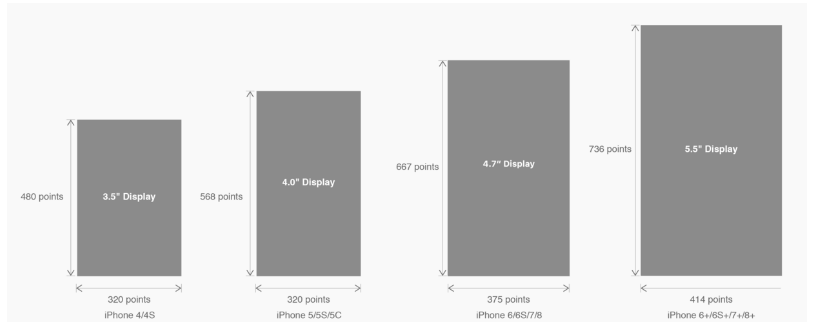 有关HTML5页面在iPhoneX适配问题这篇文章主要介绍了有关HTML5页面在iPhoneX适配问题,需要的朋友可以参考下
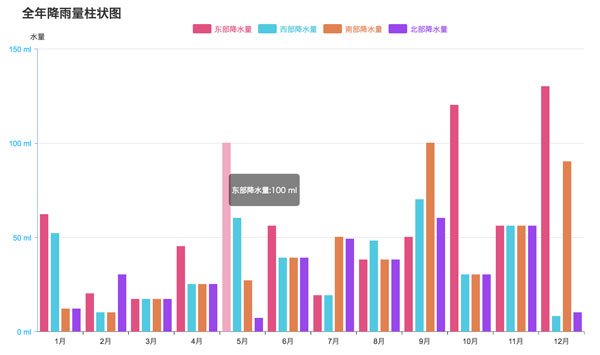 html5中canvas图表实现柱状图的示例本篇文章主要介绍了html5中canvas图表实现柱状图的示例,本文使用canvas来实现一个图表,小编觉得挺不错的,现在分享给大家