IOS开发代码分享之获取启动画面图片的string
时间:2022-11-27本代码支持 iPhone 6 以下. 支持 iPhone 及 iPad
+(NSString*)getLaunchImageName
{

    NSArray* images= @[@"LaunchImage.png", @"LaunchImage@2x.png",@"LaunchImage-700@2x.png",@"LaunchImage-568h@2x.png",@"LaunchImage-700-568h@2x.png",@"LaunchImage-700-Portrait@2x~ipad.png",@"LaunchImage-Portrait@2x~ipad.png",@"LaunchImage-700-Portrait~ipad.png",@"LaunchImage-Portrait~ipad.png",@"LaunchImage-Landscape@2x~ipad.png",@"LaunchImage-700-Landscape@2x~ipad.png",@"LaunchImage-Landscape~ipad.png",@"LaunchImage-700-Landscape~ipad.png"];

    UIImage *splashImage;

    if ([self isDeviceiPhone])
    {
        if ([self isDeviceiPhone4] && [self isDeviceRetina])
        {
            splashImage = [UIImage imageNamed:images[1]];
            if (splashImage.size.width!=0)
                return images[1];
            else
                return images[2];
        }
        else if ([self isDeviceiPhone5])
        {
            splashImage = [UIImage imageNamed:images[1]];
            if (splashImage.size.width!=0)
                return images[3];
            else
                return images[4];
        }
        else
            return images[0]; //Non-retina iPhone
    }
    else if ([[UIDevice currentDevice] orientation]==UIDeviceOrientationPortrait || [[UIDevice currentDevice] orientation] == UIDeviceOrientationPortraitUpsideDown)//iPad Portrait
    {
        if ([self isDeviceRetina])
        {
            splashImage = [UIImage imageNamed:images[5]];
            if (splashImage.size.width!=0)
                return images[5];
            else
                return images[6];
        }
        else
        {
            splashImage = [UIImage imageNamed:images[7]];
            if (splashImage.size.width!=0)
                return images[7];
            else
                return images[8];
        }

    }
    else
    {
        if ([self isDeviceRetina])
        {
            splashImage = [UIImage imageNamed:images[9]];
            if (splashImage.size.width!=0)
                return images[9];
            else
                return images[10];
        }
        else
        {
            splashImage = [UIImage imageNamed:images[11]];
            if (splashImage.size.width!=0)
                return images[11];
            else
                return images[12];
        }
    }
}

+(BOOL)isDeviceiPhone
{
    if (UI_USER_INTERFACE_IDIOM() == UIUserInterfaceIdiomPhone)
    {
        return TRUE;
    }

    return FALSE;
}

+(BOOL)isDeviceiPhone4
{
    if ([[UIScreen mainScreen] bounds].size.height==480)
        return TRUE;

    return FALSE;
}


+(BOOL)isDeviceRetina
{
    if ([[UIScreen mainScreen] respondsToSelector:@selector(displayLinkWithTarget:selector:)] &&
        ([UIScreen mainScreen].scale == 2.0))        // Retina display
    {
        return TRUE;
    }
    else                                          // non-Retina display
    {
        return FALSE;
    }
}


+(BOOL)isDeviceiPhone5
{
    if (UI_USER_INTERFACE_IDIOM() == UIUserInterfaceIdiomPhone && [[UIScreen mainScreen] bounds].size.height>480)
    {
        return TRUE;
    }
    return FALSE;
}相关文章
 Objective C从远程url下载图片方法汇总本文给大家分享了2则使用Objective C从远程url下载图片的方法,都是个人项目中使用的,汇总下推荐给大家,有需要的
 IOS开发之CocoaPods安装和使用教程CocoaPods应该是iOS最常用最有名的类库管理工具了,通过cocoaPods,只需要一行命令就可以完全解决,当然前提是你必须
- IOS开发代码分享之设置UISearchBar的背景颜色在项目开发中,我们经常要用到UISearchBar,在网上看到了很多关于去除掉他背景色的方法,都已经失效了,今天来分享
- IOS开发代码分享之用nstimer实现倒计时功能在制作IOS项目中,我们经常要用到倒计时功能,今天就分享下使用nstimer实现的倒计时功能的代码,希望对大家能有所
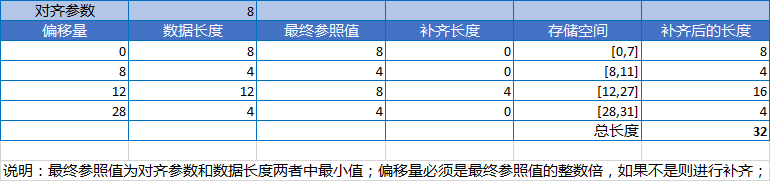 IOS开发之路--C语言构造类型在第一节中我们就提到C语言的构造类型,分为:数组、结构体、枚举、共用体,当然前面数组的内容已经说了很多了
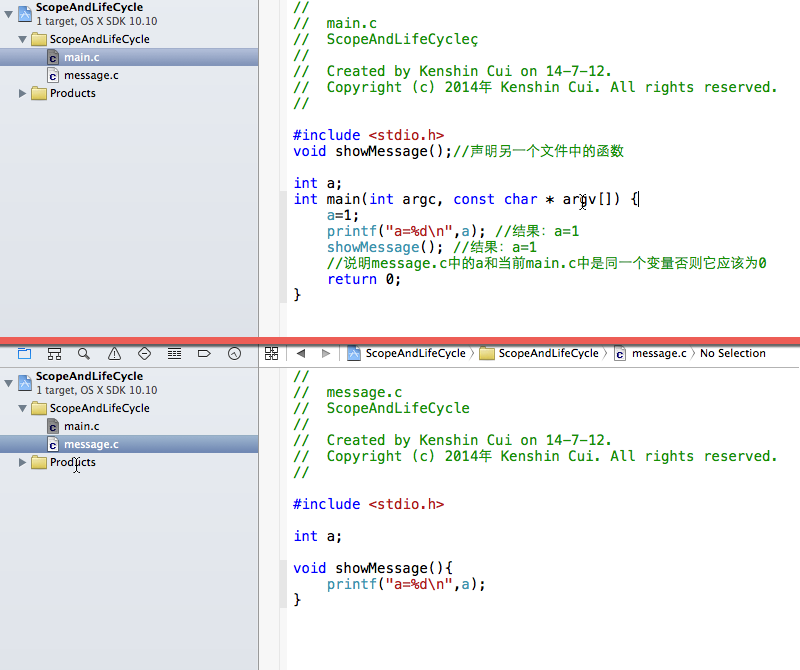 IOS开发之路--C语言存储方式和作用域只有你完全了解每个变量或函数存储方式、作用范围和销毁时间才可能正确的使用这门语言。今天将着重介绍C语言中