分段式基于SVG文字超酷创意动画特效
时间:2016-03-15简要教程
这是一款基于segment.js制作的非常有创意的分段式SVG文字动画特效。这个文字动画特效通过动画SVG的描边路径来制作各种文字的动画效果,效果非常的赞。
这个SVG文字动画特效的第一个DEMO中的最后几个例子使用了mo.js插件,一款由Oleg Solomka编写的用于制作网页图形动画的JavaScript库插件。通过mo.js,可以制作出效果更为震撼的文字动画效果。
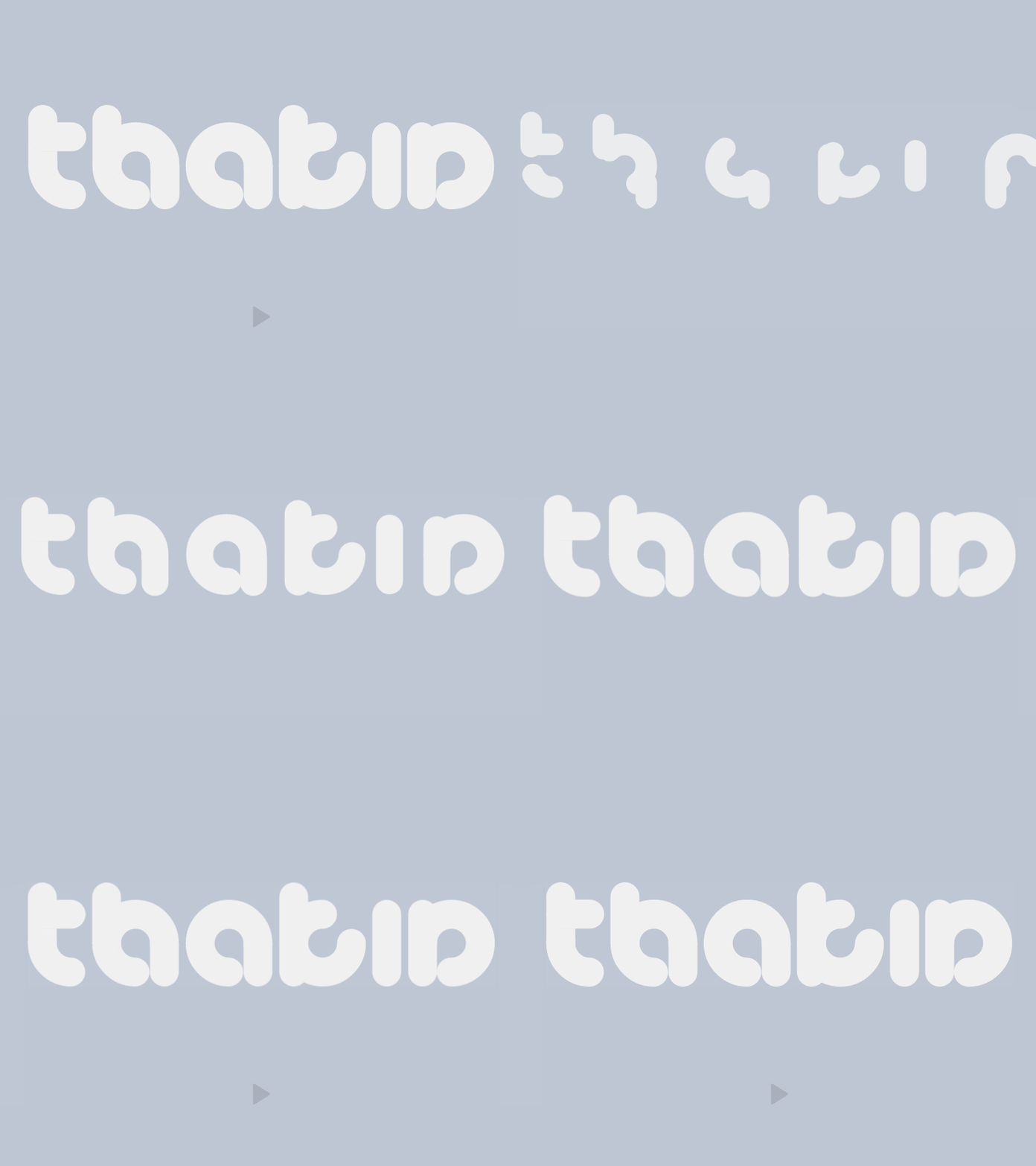
特效中使用的字体是exquisite lowercase font,一套极富创意的WEB字体。
使用方法
要使用该SVG文字动画特效,要在页面中引入segment.js,它用于动画SVG路径,d3-ease,用于制作easing动画过渡效果,以及letters.js。
HTML结构
可以使用一个
容器来包裹需要制作动画效果的文字。
来源:http://tympanus.net/codrops/2016/03/02/creative-svg-letter-animations/my text
初始化插件
然后我们就可以在JavaScript中获取这个元素,通过配置参数来制作绘制文字的动画。所有的参数选项(除了individualDelays)都可以设置为以下的值:
- 单个值:可以被所有字母接收。
- 数组:数组中的第一个元素会被第一个字母接收,第二个元素被第二个字母接收,以此类推。
下面是一个使用配置参数的例子:
// Selecting the container element
var el = document.querySelector('.my-text');

// All the possible options (these are the default values)
// Remember that every option (except individualDelays) can be defined as single value or array
var options = {
    size: 100,         // Font size, defined by the height of the letters (pixels)
    weight: 1,         // Font weight (pixels)
    rounded: false,    // Rounded letter endings
    color: '#5F6062',  // Font color
    duration: 1,       // Duration of the animation of each letter (seconds)
    delay: [0, 0.05],  // Delay animation among letters (seconds)
    fade: 0.5,         // Fade effect duration (seconds)
    easing: d3_ease.easeCubicInOut.ease,   // Easing function
    individualDelays: false,               // If false (default), every letter delay increase gradually, showing letters from left to right always. If you want to show letters in a disorderly way, set it to true, and define different delays for the desired letters.
};

// Initializing the text (Letters parameters: container-element, options)
var myText = new Letters(el, options);
通过上面的配置,我们已经定义了文字显示和动画的选项,插件会在容器中生成SVG文字。默认情况下,文字是被隐藏的,如何触发文字动画,可以参看下面的方法。
// Show letters with the default options defined
myText.show();

// Hide letters with the default options defined
myText.hide();

// Toggle letters with the default options defined
myText.toggle();

// An example with all the possible options for triggers
// Parameters (JSON): duration, delay, fade, easing, individualDelays, callback
var newOptions = {
    duration: 2,
    delay: 0.2,
    fade: 1,
    easing: d3_ease.easeCircleInOut.ease,
    individualDelays: false,
    callback: function(){
        myText.hide();
    }
};
// These new options will override the options defined in the initialization
myText.show(newOptions);

// Show letters instantly, without any animation at all
// There is a hideInstantly and toggleInstantly function, too
myText.showInstantly();  // Shortcut for myText.show(0, 0, 0);
每一个SVG字母都被分配一个letter class类,例如:letter-(a, b, c, ...),以及letter-(1, 2, 3, ...)。通过这些class我们可以自定义字母的样式,例如设置margin值或定位方式等。
/* Setting margin among all letters */
.letter {
  margin: 0 10px;
}

/* Setting background to letter m */
.letter-m {
  background-color: lightsalmon;
} 相关文章
 如何将 HTML5 性能发挥到极致由于实际运行环境是在浏览器中,因此性能还取决于JavaScript解释器的效率,指定的FPS帧速在低性能解释器中可能不会
 HTML5 VideoAPI,打造自己的Web视频播放器本文将使用HTML5提供的VideoAPI做一个自定义的视频播放器,需要用到HTML5提供的video标签、以及HTML5提供的对JavascriptAP
 HTML5 手势检测原理和实现随着 Hybrid 应用的丰富,HTML5 工程师们已经不满足于把桌面端体验简单移植到移动端,他们觊觎移动原生应用人性化的
- 4分钟学会网页样式[译]你想要在自己网站上分享一个产品,或者是一个作品集,又或者仅仅只是一个灵感。在你发布到网上之前,你想让它
 H5你真的了解吗?(绝对干货)H5广告,包括H5广告的设计流程,究竟有什么讲究,和阶段。为了能帮助更多的人了解H5广告,我专门做了一个讲义。
 2015-2016前端架构体系技术精简版本文主要内容有:框架与组件、构建生态、开发技巧与调试、html、css与重构、native/hybrid/桌面开发、前端/H5优化、全
 有关HTML5页面在iPhoneX适配问题这篇文章主要介绍了有关HTML5页面在iPhoneX适配问题,需要的朋友可以参考下
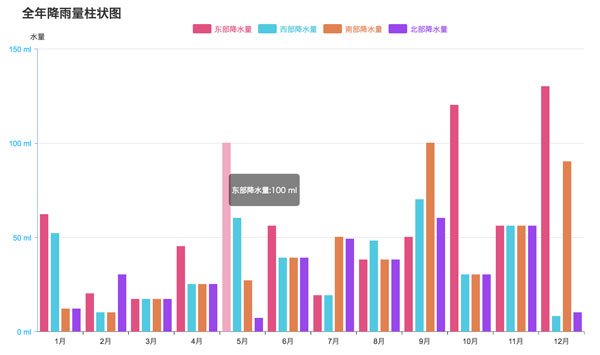 html5中canvas图表实现柱状图的示例本篇文章主要介绍了html5中canvas图表实现柱状图的示例,本文使用canvas来实现一个图表,小编觉得挺不错的,现在分享给大家