HTML5 中canvas支持触摸屏的签名面板
时间:2016-03-091.前言
最近实在是太忙了,从国庆之后辞职,在慢慢的找工作,到现在的这家公司上班大半个月了,太多的心酸泪无以言表,面试过程中,见到的坑货公司是一家又一家,好几家公司自己都只是上一天班就走了,其中有第一天上班就加班到10点的,有一家公司在体育西路那边,太远,第一天回家挤公交也是太累,以前上班都是走路上班的,自己确实不适合挤公交,还有公司面试的时候和你说什么大数据,性能优化什么的,进公司一看,他们就是用的最简单的三层,没有什么设计模式,总之太多心酸,幸运的是现在这家公司还不错,找工作就是要宁缺毋滥。
2.canvcas标签
canvas基础教程:<canvas> 标签定义图形,比如图表和其他图像。HTML5 的canvas元素使用JavaScript在网页上绘制图像。甚至可以在canvas上创建并操作动画,这不是使用画笔和油彩所能够实现的。跨所有web浏览器的完整HTML5支持还没有完成,但在新兴的支持中,canvas已经可以在几乎所有现代浏览器上良好运行。canvas拥有多种绘制路径、矩形、圆形、字符以及添加图像的方法。来公司一个月了主要以学习为主,我是做后台开发,以前也没有用过Oracle数据库,这一个月主要是学习H5的一些新特性,还有就是css3.0,在就是Oracle在服务器上面的安装部署,一些数据导入导出,数据备份啥的,前端的东西都比较差,现在也是一个学习的机会,就当好好学习了。
3.手写签名面板
公司做的是自动化办公OA系统,一些审核的地方需要加入一些手写签名的功能,刚开始做这个也是没有思路,在网上也找了一下资料,后来发现H5有这个canvcas新标签,感到格外是欣喜。于是拿过来试一下,还真可以。


4.页面代码
@{
  Layout = null;
}
<!DOCTYPE html>
<html>
<head>
  <meta name="viewport" content="width=device-width" />
  <title>Testpage</title>
  <script src="~/Assets/jquery-2.1.1.js"></script>
  <script src="~/Assets/bootstrap/bootstrap.js"></script>
  <link href="~/Assets/bootstrap/bootstrap.css" rel="stylesheet" />
  <script src="~/Scripts/WritingPad.js"></script>
  <script src="~/Assets/jq-signature.js"></script>
</head>
<body style="background-color:#b6ff00">
  <button class="btn btn-primary" type="button" style="position:relative">点击我</button>
</body>
</html>
<script>
  $(function () {
    $(".btn,.btn-primary").click(function () {
      var wp = new WritingPad();
      //wp.init();
    });
  });
</script>
5.脚本代码一
/**
 * 功能:签名canvas面板初始化,为WritingPad.js手写面板js服务。
 * 作者:黄金锋 (549387177@qq.com)
 * 日期:2015-11-15  15:51:01
 * 版本:version 1.0
 */

(function (window, document, $) {
    'use strict';

  // Get a regular interval for drawing to the screen
  window.requestAnimFrame = (function (callback) {
    return window.requestAnimationFrame ||
      window.webkitRequestAnimationFrame ||
      window.mozRequestAnimationFrame ||
      window.oRequestAnimationFrame ||
      window.msRequestAnimaitonFrame ||
      function (callback) {
        window.setTimeout(callback, 1000/60);
      };
  })();

  /*
  * Plugin Constructor
  */

  var pluginName = 'jqSignature',
      defaults = {
        lineColor: '#222222',
        lineWidth: 1,
        border: '1px dashed #CCFF99',
        background: '#FFFFFF',
        width: 500,
        height: 200,
        autoFit: false
      },
      canvasFixture = '<canvas></canvas>';

  function Signature(element, options) {
    // DOM elements/objects
    this.element = element;
    this.$element = $(this.element);
    this.canvas = false;
    this.$canvas = false;
    this.ctx = false;
    // Drawing state
    this.drawing = false;
    this.currentPos = {
      x: 0,
      y: 0
    };
    this.lastPos = this.currentPos;
    // Determine plugin settings
    this._data = this.$element.data();
    this.settings = $.extend({}, defaults, options, this._data);
    // Initialize the plugin
    this.init();
  }

  Signature.prototype = {
    // Initialize the signature canvas
    init: function() {
      // Set up the canvas
      this.$canvas = $(canvasFixture).appendTo(this.$element);
      this.$canvas.attr({
        width: this.settings.width,
        height: this.settings.height
      });
      this.$canvas.css({
        boxSizing: 'border-box',
        width: this.settings.width + 'px',
        height: this.settings.height + 'px',
        border: this.settings.border,
        background: this.settings.background,
        cursor: 'crosshair'
      });
      // Fit canvas to width of parent
      if (this.settings.autoFit === true) {
        this._resizeCanvas();
      }
      this.canvas = this.$canvas[0];
      this._resetCanvas();
      // Set up mouse events
      this.$canvas.on('mousedown touchstart', $.proxy(function(e) {
        this.drawing = true;
        this.lastPos = this.currentPos = this._getPosition(e);
      }, this));
      this.$canvas.on('mousemove touchmove', $.proxy(function(e) {
        this.currentPos = this._getPosition(e);
      }, this));
      this.$canvas.on('mouseup touchend', $.proxy(function(e) {
        this.drawing = false;
        // Trigger a change event
        var changedEvent = $.Event('jq.signature.changed');
        this.$element.trigger(changedEvent);
      }, this));
      // Prevent document scrolling when touching canvas
      $(document).on('touchstart touchmove touchend', $.proxy(function(e) {
        if (e.target === this.canvas) {
          e.preventDefault();
        }
      }, this));
      // Start drawing
      var that = this;
      (function drawLoop() {
        window.requestAnimFrame(drawLoop);
        that._renderCanvas();
      })();
    },
    // Clear the canvas
    clearCanvas: function() {
      this.canvas.width = this.canvas.width;
      this._resetCanvas();
    },
    // Get the content of the canvas as a base64 data URL
    getDataURL: function() {
      return this.canvas.toDataURL();
    },

    reLoadData: function () {
        this.$canvas.remove();
        this._data = this.$element.data();

        //for (var i in this.settings) {
        //    alert(i+":"+this.settings[i]);
/相关文章
 如何将 HTML5 性能发挥到极致由于实际运行环境是在浏览器中,因此性能还取决于JavaScript解释器的效率,指定的FPS帧速在低性能解释器中可能不会
 HTML5 VideoAPI,打造自己的Web视频播放器本文将使用HTML5提供的VideoAPI做一个自定义的视频播放器,需要用到HTML5提供的video标签、以及HTML5提供的对JavascriptAP
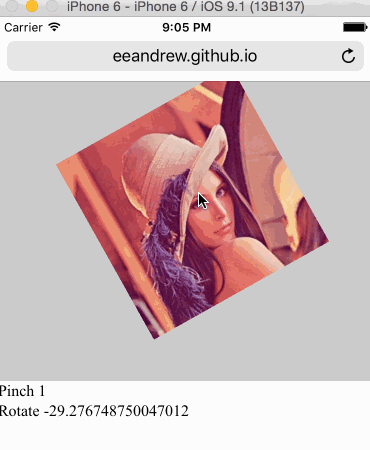 HTML5 手势检测原理和实现随着 Hybrid 应用的丰富,HTML5 工程师们已经不满足于把桌面端体验简单移植到移动端,他们觊觎移动原生应用人性化的
- 4分钟学会网页样式[译]你想要在自己网站上分享一个产品,或者是一个作品集,又或者仅仅只是一个灵感。在你发布到网上之前,你想让它
 H5你真的了解吗?(绝对干货)H5广告,包括H5广告的设计流程,究竟有什么讲究,和阶段。为了能帮助更多的人了解H5广告,我专门做了一个讲义。
 2015-2016前端架构体系技术精简版本文主要内容有:框架与组件、构建生态、开发技巧与调试、html、css与重构、native/hybrid/桌面开发、前端/H5优化、全
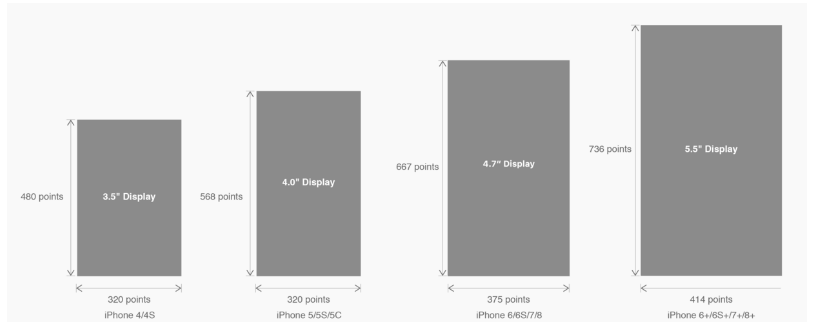 有关HTML5页面在iPhoneX适配问题这篇文章主要介绍了有关HTML5页面在iPhoneX适配问题,需要的朋友可以参考下
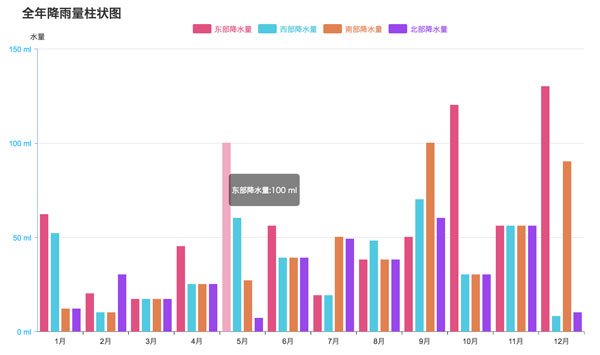 html5中canvas图表实现柱状图的示例本篇文章主要介绍了html5中canvas图表实现柱状图的示例,本文使用canvas来实现一个图表,小编觉得挺不错的,现在分享给大家