详解CSS透明opacity和IE各版本透明度滤镜filter的最准确用法
时间:2017-04-09Html代码
<!DOCTYPE html>
<html>
<head>
<meta charset=utf-8 />
<title>JS Bin</title>
</head>
<body>
  <div class="transparent_class">测试透明度</div>
</body>
</html>
注意:测试不要忘了写DOCTYPE,否则会偏离真实效果。
对应CSS代码:
.transparent_class {
    /* Required for IE 5, 6, 7 */
    /* ...or something to trigger hasLayout, like zoom: 1; */
    width:300px;
    height:300px;
    line-height:300px;
    text-align:center;
    background:#000;
    color:#fff;
    /* older safari/Chrome browsers */
    -webkit-opacity: 0.5;
    /* Netscape and Older than Firefox 0.9 */
    -moz-opacity: 0.5;
    /* Safari 1.x (pre WebKit!) 老式khtml内核的Safari浏览器*/
    -khtml-opacity: 0.5;
    /* IE9 + etc...modern browsers */
    opacity: .5;
    /* IE 4-9 */
    filter:alpha(opacity=50);
    /*This works in IE 8 & 9 too*/
    -ms-filter:"progid:DXImageTransform.Microsoft.Alpha(Opacity=50)";
    /*IE4-IE9*/
    filter:progid:DXImageTransform.Microsoft.Alpha(Opacity=50);
}
使用中,我们可以根据要适配的浏览器/版本,从上面选择自己需要的代码行。如果要全面支持所有浏览器,至少需要有关opacity或filter的前5句。需要声明的是,如果你要同时使用filter和-ms-filter,请将-ms-filter写在filter的前面。原文描述如下:
If you want opacity to also work in IE8′s emulating IE7 mode, the order should be:
-ms-filter:”progid:DXImageTransform.Microsoft.Alpha(Opacity=50)”; // first
filter: alpha(opacity=50); // second
If you don’t use this order, IE8 emulating IE7 doesn’t apply the opacity, although IE8 and IE7 native do.
以上就是本文的全部内容,希望对大家的学习有所帮助,也希望大家多多支持。
相关文章
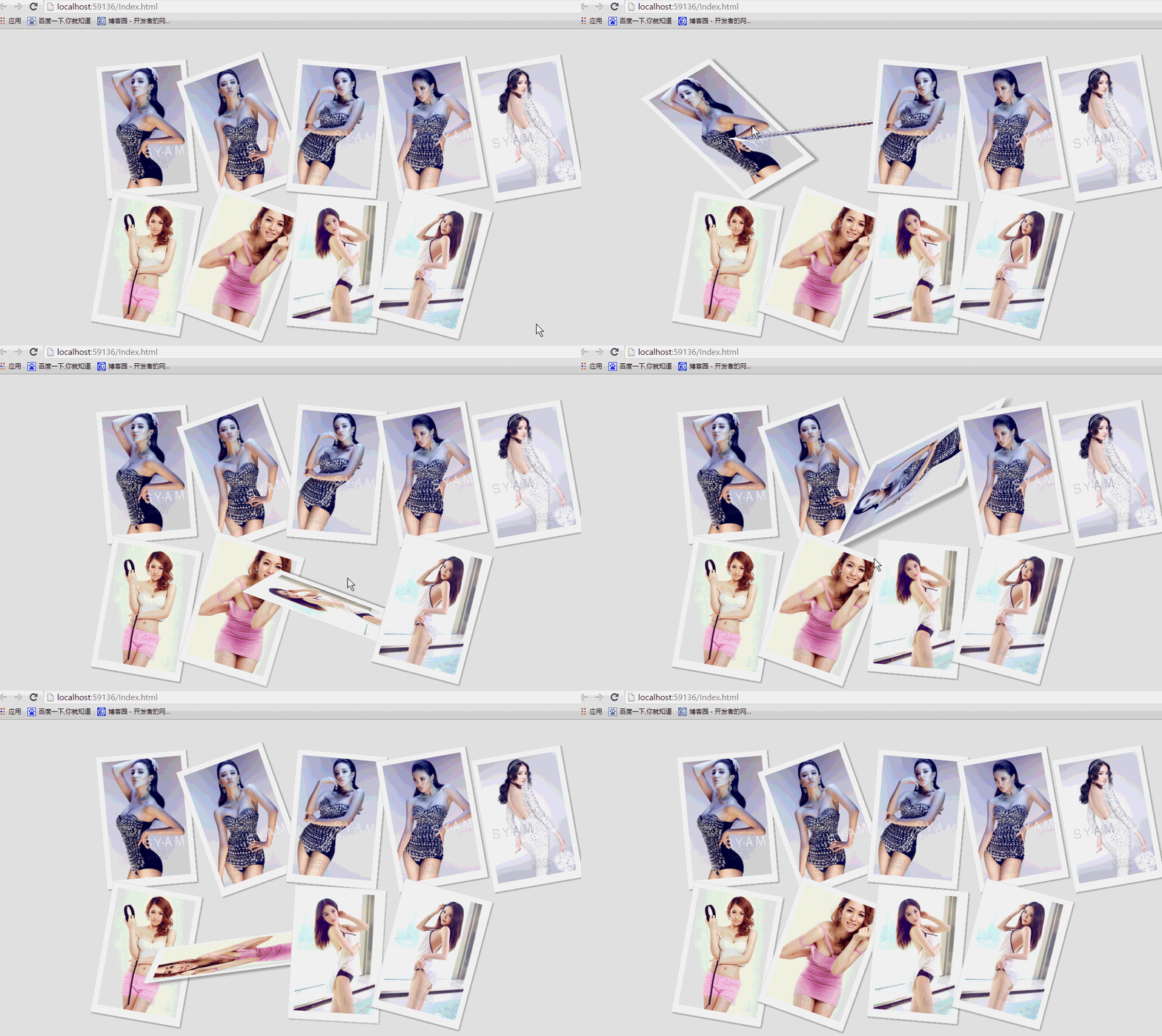 纯css实现照片墙3D效果的示例代码这篇文章主要介绍了纯css实现照片墙3D效果的示例代码,可以实现鼠标经过图片实现改变,具有一定的参考价值,感兴
 纯 Css 绘制扇形的方法示例本篇文章主要介绍了纯 Css 绘制扇形的方法示例,小编觉得挺不错的,现在分享给大家,也给大家做个参考。一起跟随
 一份纯CSS loading动画效果代码示例本篇文章主要介绍了一份纯CSS loading效果代码示例,小编觉得挺不错的,现在分享给大家,也给大家做个参考。一起跟
 css 实现文字过长自动隐藏功能这篇文章主要介绍了css 实现文字过长自动隐藏功能,需要的朋友可以参考下
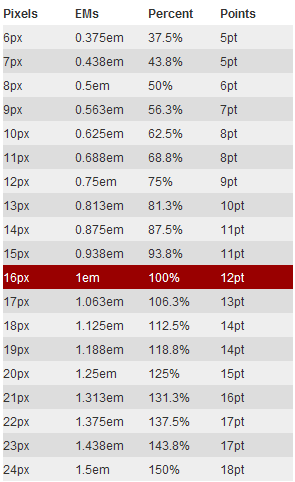 详解CSS3 rem(设置字体大小) 教程本篇文章主要介绍了详解CSS3 rem(设置字体大小) 教程,小编觉得挺不错的,现在分享给大家,也给大家做个参考。一起
 CSS3 linear-gradient线性渐变生成加号和减号的方法本篇文章主要介绍了CSS3 linear-gradient线性渐变生成加号和减号的方法,具有一定的参考价值,感兴趣的小伙伴们可以参