CSS3实现瀑布流布局与无限加载图片相册的实例代码
时间:2017-04-09二、模拟数据库数据的实体类Photoes.cs代码如下:
using System;
using System.Collections.Generic;
using System.Linq;
using System.Web;

namespace 瀑布流布局与无限加载图片相册
{
    public class Photoes
    {
        public int imgUrl { get; set; }
        public string Name { get; set; }
        //模拟数据库有两百条数据
        public static List<Photoes> GetData()
        {
            List<Photoes> list = new List<Photoes>();
            Photoes pic = null;
            for (int i= 21; i <=200; i++)
            {
                pic = new Photoes();
                pic.imgUrl = i;
                pic.Name = "Picture-" + i;
                list.Add(pic);
            }
            return list;
        }
    }
}
三、服务器返回数据给客户端的一般处理程序Handler1.ashx代码如下:
using System;
using System.Collections.Generic;
using System.Linq;
using System.Web;
using System.Web.Script.Serialization;

namespace 瀑布流布局与无限加载图片相册
{
    /// <summary>
    /// 服务器返回数据给客户端的一般处理程序
    /// </summary>
    public class Handler1 : IHttpHandler
    {
        public void ProcessRequest(HttpContext context)
        {
            context.Response.ContentType = "text/plain";
            List<Photoes> result = Photoes.GetData();
            int pageIndex = Convert.ToInt32(context.Request["page"]);
            var filtered = result.Where(p => p.imgUrl >= pageIndex * 20 - 19 && p.imgUrl <= pageIndex * 20).ToList();
            JavaScriptSerializer ser = new JavaScriptSerializer();
            string jsonData = ser.Serialize(filtered);
            context.Response.Write(jsonData);
        }

        public bool IsReusable
        {
            get
            {
                return false;
            }
        }
    }
}
总结:前段时间学习了瀑布流布局与图片加载等知识,做了一个简单的示例,希望能巩固一下自己所学的知识。
代码实例:demo
以上就是本文的全部内容,希望对大家的学习有所帮助,也希望大家多多支持。
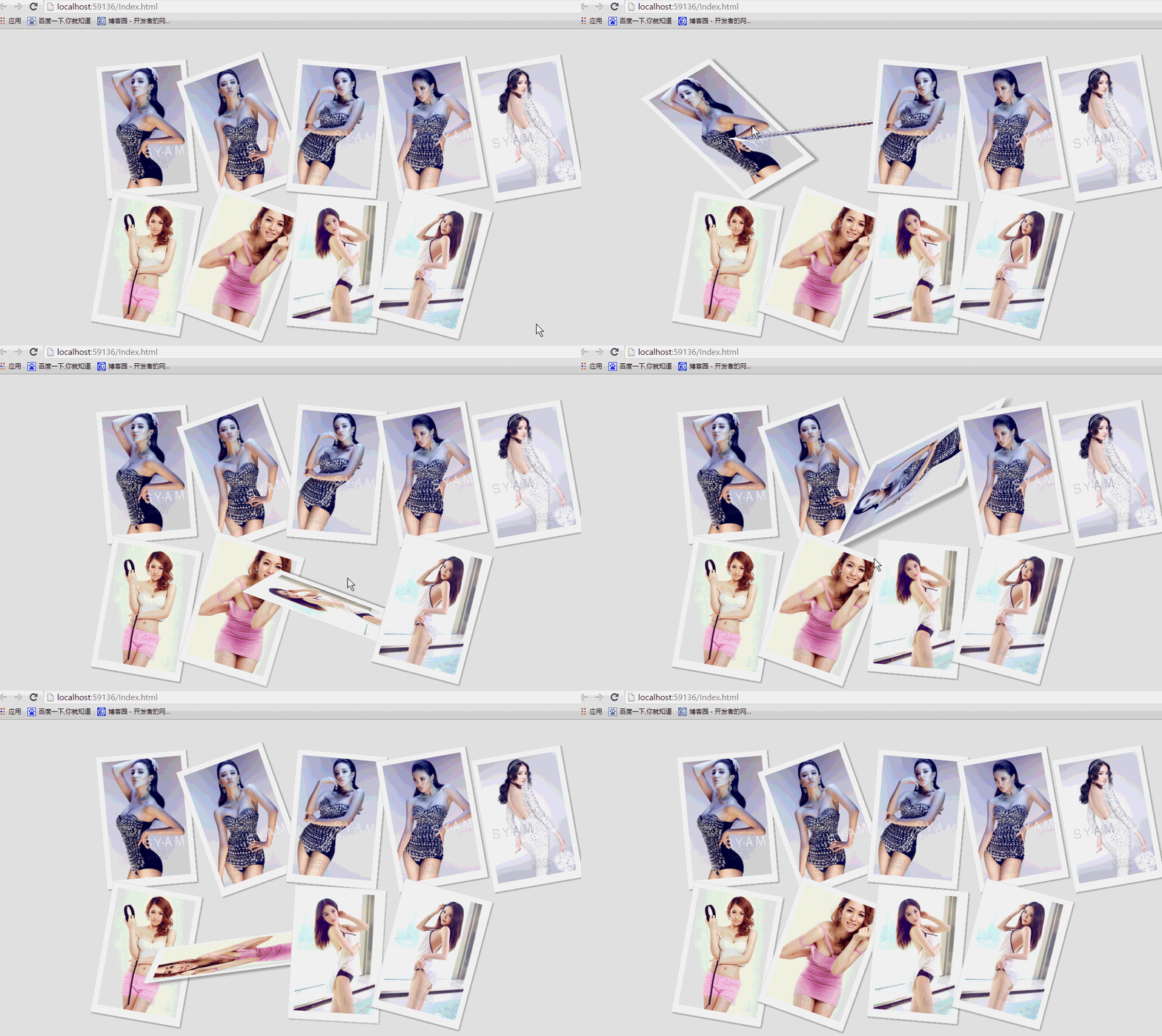 纯css实现照片墙3D效果的示例代码这篇文章主要介绍了纯css实现照片墙3D效果的示例代码,可以实现鼠标经过图片实现改变,具有一定的参考价值,感兴趣的小
 纯 Css 绘制扇形的方法示例本篇文章主要介绍了纯 Css 绘制扇形的方法示例,小编觉得挺不错的,现在分享给大家,也给大家做个参考。一起跟随小编过