绝对定位元素的水平垂直居中的方法(3种任选)
时间:2017-04-091.css实现居中
缺点:需要提前知道元素的宽度和高度。
<!doctype html>
<html lang="en">
<head>
    <meta charset="UTF-8">
    <title>Document</title>
    <style>
        .box{
            width: 600px;
            height: 400px;
            position: absolute;
            left: 50%; top: 50%;
            border:1px solid #000;
            background:red;
            margin-top: -200px;    /* 高度的一半 */
            margin-left: -300px;    /* 宽度的一半 */
        }
    </style>
</head>
<body>
    <div class="box">
    </div>
</body>
</html>
2、css3实现水平垂直居中
注意:无论元素的尺寸是多少,都可以居中。不过IE8以上才兼容这种写法,移动端可忽略。
<!doctype html>
<html lang="en">
<head>
    <meta charset="UTF-8">
    <title>Document</title>
    <style>
        .box{
            width: 600px;
            height: 400px;
            position: absolute;
            left: 50%;
            top: 50%;
            border:1px solid #000;
            background:red;
            transform: translate(-50%, -50%);    /* 50%为自身尺寸的一半 */
        }
    </style>
</head>
<body>
    <div class="box">
    </div>
</body>
</html>
3、margin:auto实现居中
<!doctype html>
<html lang="en">
<head>
    <meta charset="UTF-8">
    <title>Document</title>
    <style>
        .box{
            width: 600px;
            height: 400px;
            position: absolute;
            left: 0;
            top: 0;
            right: 0;
            bottom: 0;
            border:1px solid #000;
            background:red;
            margin: auto;    /* 有了这个就自动居中了 */
        }
    </style>
</head>
<body>
    <div class="box">
    </div>
</body>
</html>
以上就是本文的全部内容,希望本文的内容对大家的学习或者工作能带来一定的帮助,同时也希望多多支持!
相关文章
 关于图片与文字垂直方向不对齐问题的解决方法关于图片垂直居中显示,想必很多写css的人都研究过、或者说是搜寻过方法,下面这篇文章就给大家介绍关于图片与
 利用css设置元素垂直居中的解决方法汇总作为前端攻城师,在制作Web页面时都有碰到CSS制作水平垂直居中,我想大家都有研究过或者写过,特别的其中的垂直
- 利用纯CSS实现居中的七大方法示例这篇文章主要给大家介绍了关于利用纯CSS实现居中的七大方法,其中包括line-height居中法、table-cell居中法、上下左右
 CSS实现垂直居中的4种思路详解这篇文章给大家整理四种css实现垂直居中效果,思路明了非常不错,具有参考借鉴价值,需要的朋友参考下吧
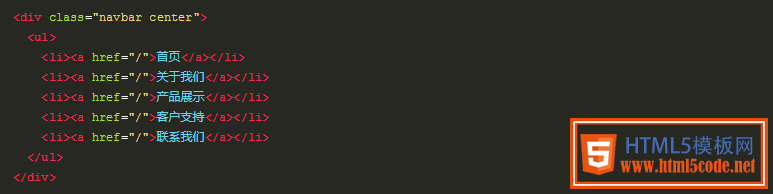 CSS3的 fit-content实现水平居中今天通过本文给大家介绍一个fit-content属性的相关知识,CSS属性是用来水平居中的,fit-content是CSS3中给width属性新加的
 css实现元素水平垂直居中常见的两种方式实例详解这篇文章主要给大家介绍了css实现元素水平垂直居中的两种方式,文中给出了完整的示例代码供大家参考学习,对大
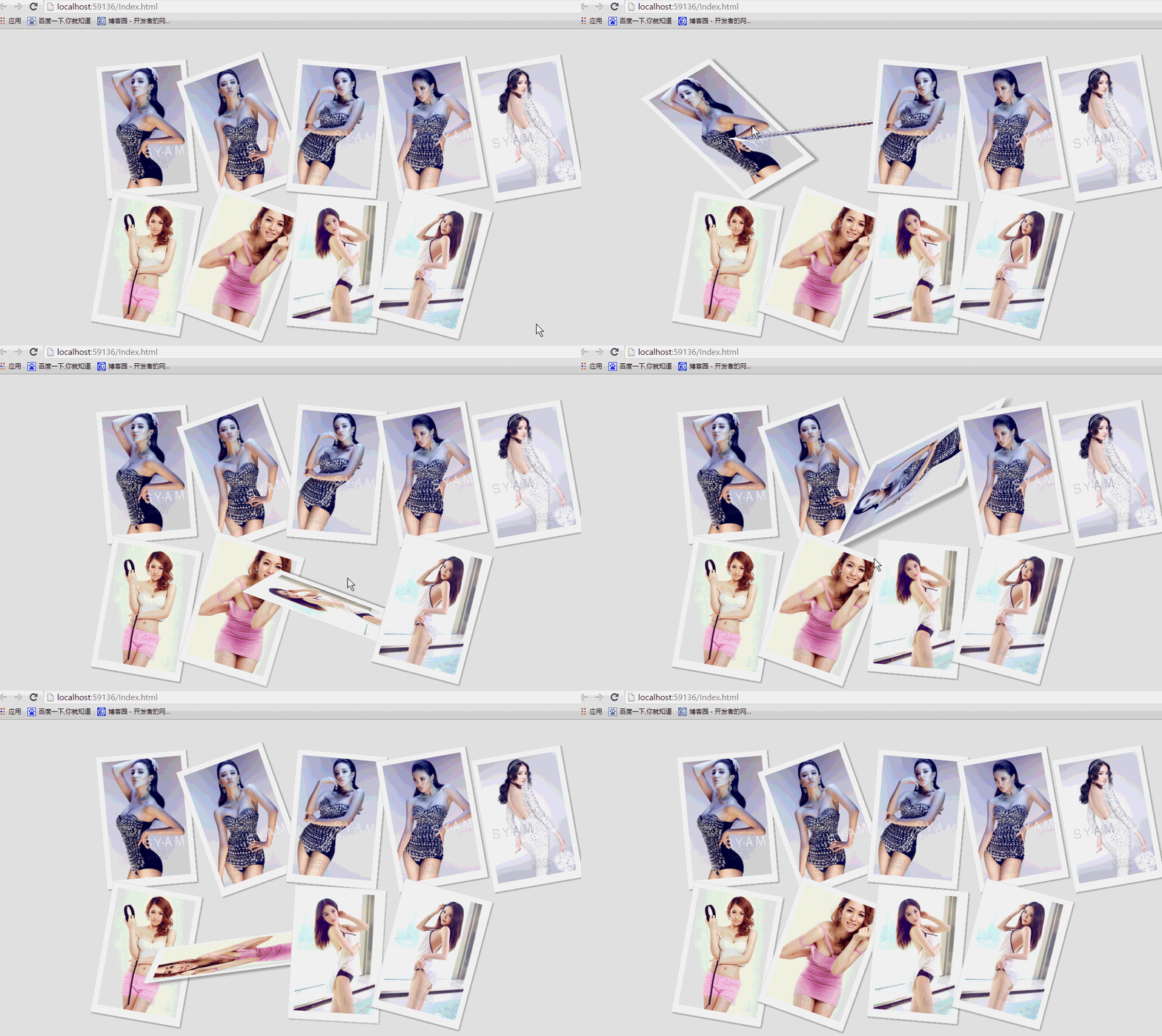 纯css实现照片墙3D效果的示例代码这篇文章主要介绍了纯css实现照片墙3D效果的示例代码,可以实现鼠标经过图片实现改变,具有一定的参考价值,感兴趣的小
 纯 Css 绘制扇形的方法示例本篇文章主要介绍了纯 Css 绘制扇形的方法示例,小编觉得挺不错的,现在分享给大家,也给大家做个参考。一起跟随小编过