HTML5 对各个标签的定义与规定:body
时间:2014-09-14body元素就是就是html文档的主内容标签。
可设置属性
onafterprint 在打印文档之后运行脚本
onbeforeprint 在文档打印之前运行脚本
onbeforeonload 在文档加载之前运行脚本
onblur 当窗口失去焦点时运行脚本
onerror 当错误发生时运行脚本
onfocus 当窗口获得焦点时运行脚本
onhaschange 当文档改变时运行脚本
onload 当文档加载时运行脚本
onmessage 当触发消息时运行脚本
onoffline 当文档离线时运行脚本
ononline 当文档上线时运行脚本
onpagehide 当窗口隐藏时运行脚本
onpageshow 当窗口可见时运行脚本
onpopstate 当窗口历史记录改变时运行脚本
onredo 当文档执行再执行操作(redo)时运行脚本
onresize 当调整窗口大小时运行脚本
onstorage 当文档加载加载时运行脚本
onundo 当文档执行撤销操作时运行脚本
onunload 当用户离开文档时运行脚本
DOM 接口
代码: 全选 运行
interface HTMLBodyElement : HTMLElement {
attribute Function onafterprint;
attribute Function onbeforeprint;
attribute Function onbeforeunload;
attribute Function onblur;
attribute Function onerror;
attribute Function onfocus;
attribute Function onhashchange;
attribute Function onload;
attribute Function onmessage;
attribute Function onoffline;
attribute Function ononline;
attribute Function onpopstate;
attribute Function onpagehide;
attribute Function onpageshow;
attribute Function onredo;
attribute Function onresize;
attribute Function onscroll;
attribute Function onstorage;
attribute Function onundo;
attribute Function onunload;
};
相关文章
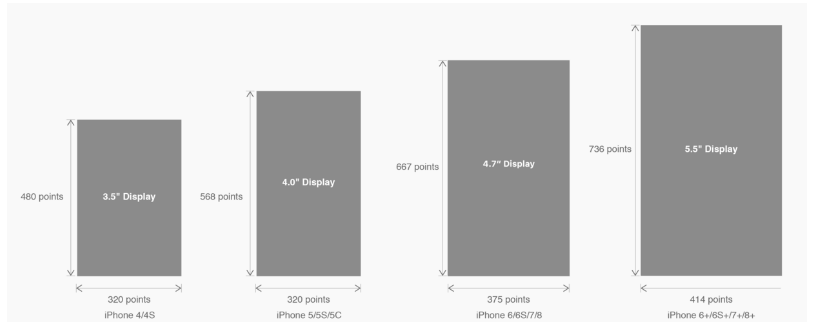 有关HTML5页面在iPhoneX适配问题这篇文章主要介绍了有关HTML5页面在iPhoneX适配问题,需要的朋友可以参考下
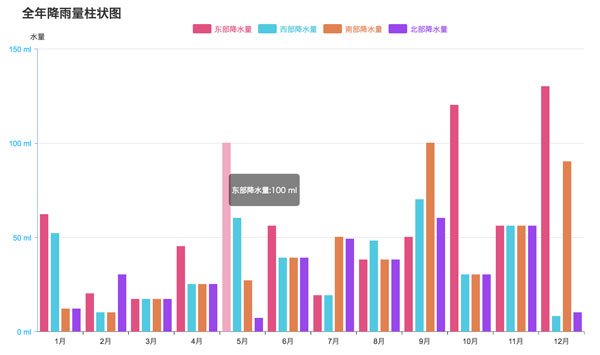 html5中canvas图表实现柱状图的示例本篇文章主要介绍了html5中canvas图表实现柱状图的示例,本文使用canvas来实现一个图表,小编觉得挺不错的,现在分享
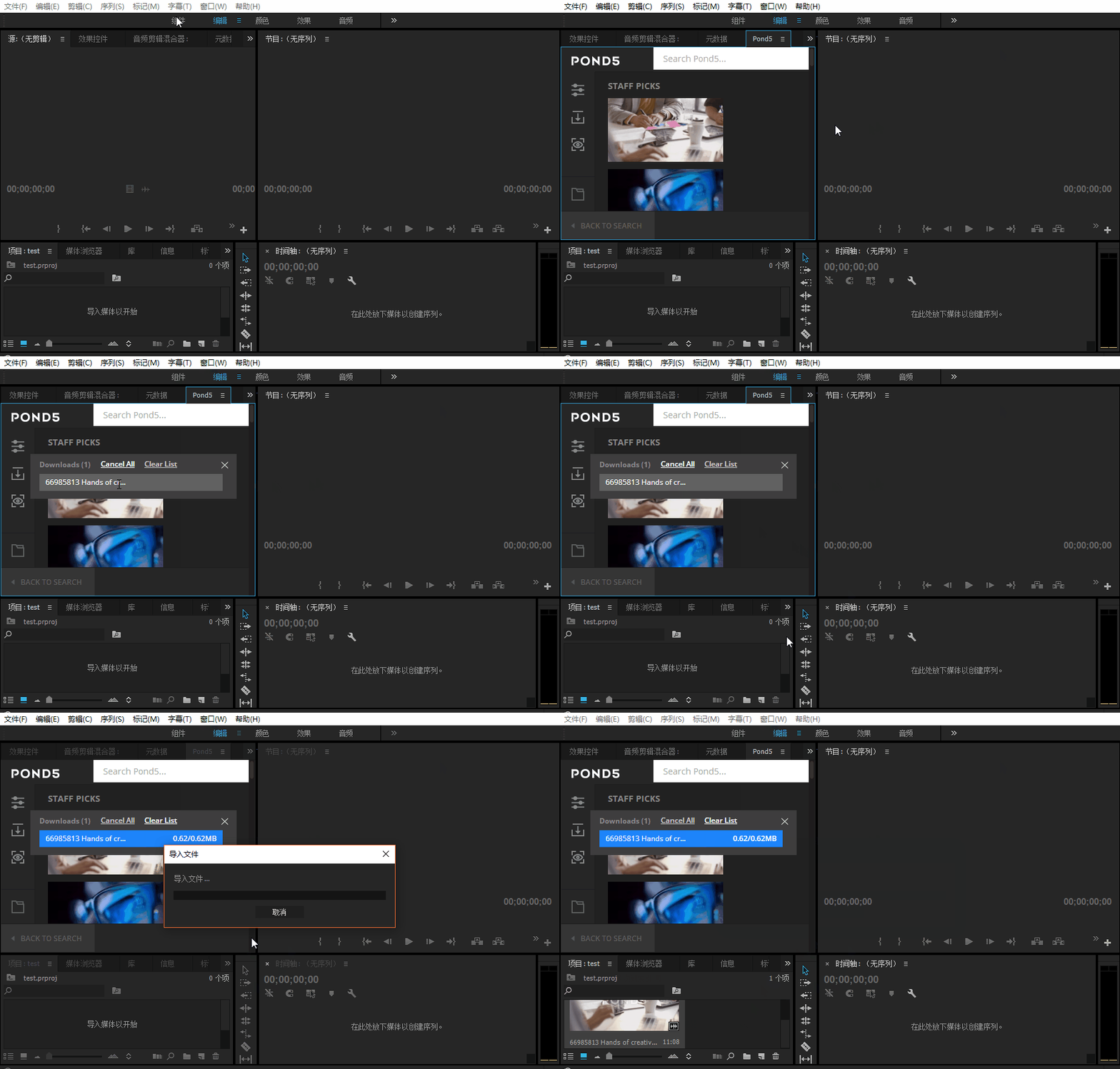 Adobe Html5 Extension开发初体验图文教程Adobe公司出品的多媒体处理软件产品线较多,涵盖了音视频编辑、图像处理、平面设计、影视后期等领域。这篇文章主
 基于HTML5的WebGL经典3D虚拟机房漫游动画这篇文章主要介绍了基于HTML5的WebGL经典3D虚拟机房漫游动画,需要的朋友可以参考下
 手机端用rem+scss做适配的详解这篇文章主要介绍了手机端用rem+scss做适配的详解,小编觉得挺不错的,现在分享给大家,也给大家做个参考。一起跟
 canvas 实现 github404动态效果的示例代码本篇文章主要介绍了canvas 实现 github404动态效果的示例代码,小编觉得挺不错的,现在分享给大家,也给大家做个参考