html5弹跳球示例代码
时间:2014-09-14弹跳球使用html5实现,不必惊讶,使用html5完全可以实现,具体的截图及代码如下,感兴趣的朋友可以参考下哈,希望对大家有所帮助

<html>
<head>
<meta charset=utf-8>
<title>跳跳球</title>
<script>
//box
var box_x=0;
var box_y=0;
var box_width=300;
var box_height=300;
//注意:定位球采用球的中心
var ball_x=10;
var ball_y=10;
var ball_radius=10;
var ball_vx=5;
var ball_vy=3;
var box_bound_left=box_x+ball_radius;
var box_bound_right=box_x+box_width-ball_radius;
var box_bound_top=box_y+ball_radius;
var box_bound_bottom=box_y+box_height-ball_radius;
//ball
//context
var ctx;
function init()
{
ctx=document.getElementById('canvas').getContext('2d');
ctx.lineWidth=ball_radius;
ctx.fillStyle="rgb(200,0,50)";
move_ball();
setInterval(move_ball,100);//note
}
function move_ball()
{
ctx.clearRect(box_x,box_y,box_width,box_height);
move_and_check();
ctx.beginPath();
ctx.arc(ball_x,ball_y,ball_radius,0,Math.PI*2,true);
ctx.fill();
ctx.strokeRect(box_x,box_y,box_width,box_height);
}
function move_and_check()
{
var cur_ball_x=ball_x+ball_vx;
var cur_ball_y=ball_y+ball_vy;
if(cur_ball_x<box_bound_left)
{
ball_vx=-ball_vx;
cur_ball_x=box_bound_left;
}
if(cur_ball_x>box_bound_right)
{
ball_vx=-ball_vx;
cur_ball_x=box_bound_right;
}
if(cur_ball_y<box_bound_top)
{
ball_vy=-ball_vy;
cur_ball_y=box_bound_top;
}
if(cur_ball_y>box_bound_bottom)
{
ball_vy=-ball_vy;
cur_ball_y=box_bound_bottom;
}
ball_x=cur_ball_x;
ball_y=cur_ball_y;
}
</script>
</head>
<body onLoad="init()">
<canvas id="canvas" width="400" height="400"/>
</body>
</html>
相关文章
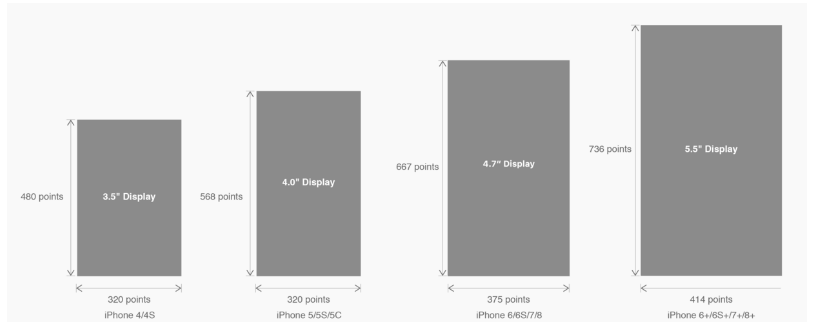 有关HTML5页面在iPhoneX适配问题这篇文章主要介绍了有关HTML5页面在iPhoneX适配问题,需要的朋友可以参考下
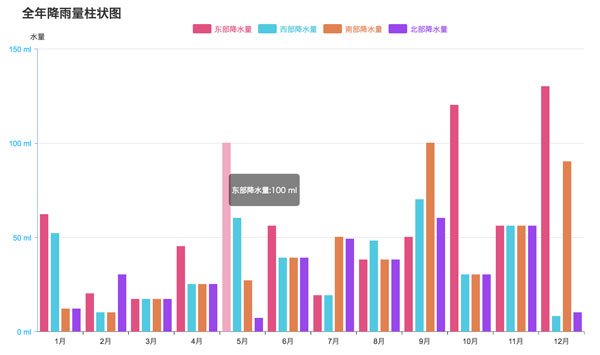 html5中canvas图表实现柱状图的示例本篇文章主要介绍了html5中canvas图表实现柱状图的示例,本文使用canvas来实现一个图表,小编觉得挺不错的,现在分享
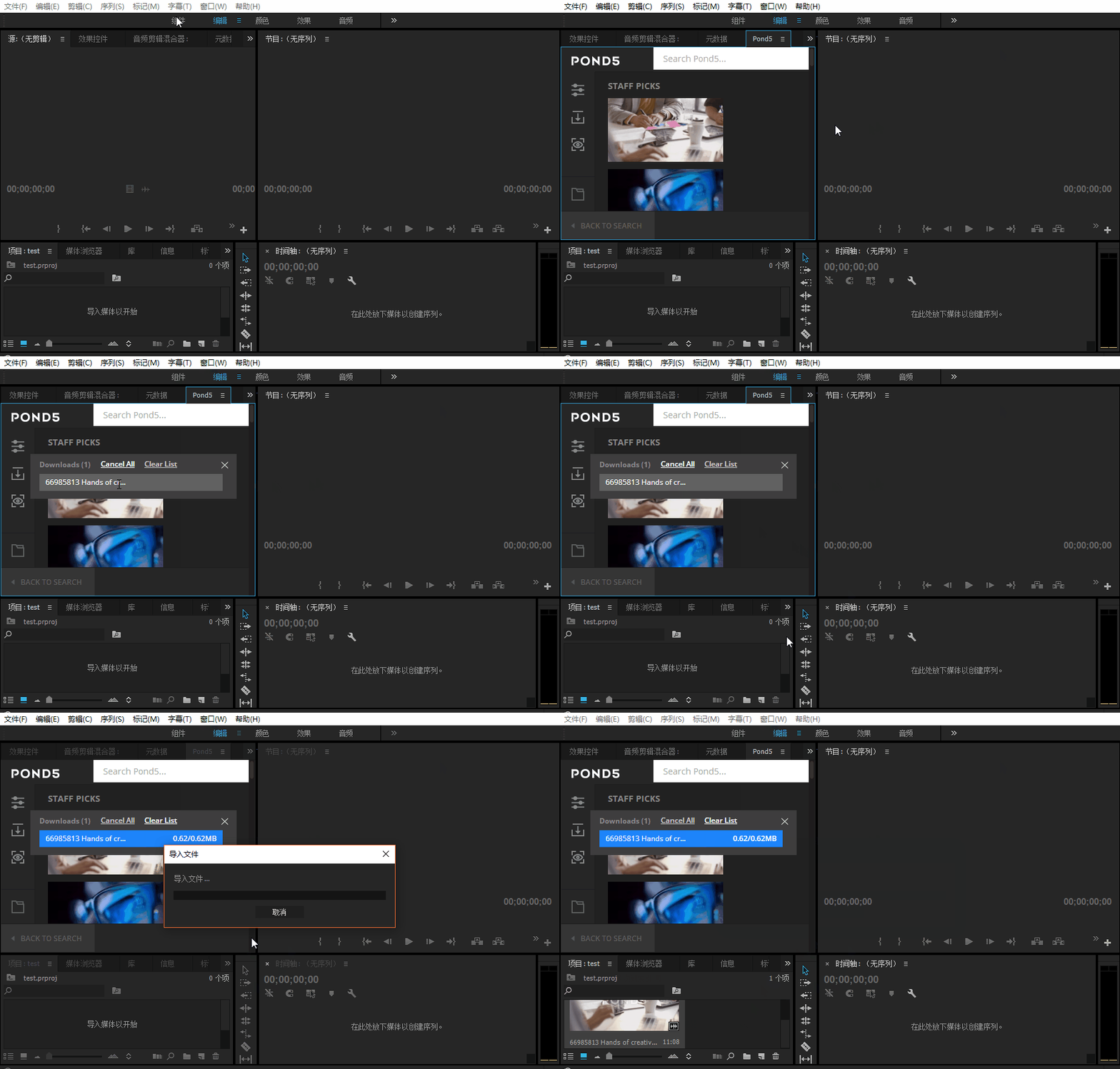 Adobe Html5 Extension开发初体验图文教程Adobe公司出品的多媒体处理软件产品线较多,涵盖了音视频编辑、图像处理、平面设计、影视后期等领域。这篇文章主
 基于HTML5的WebGL经典3D虚拟机房漫游动画这篇文章主要介绍了基于HTML5的WebGL经典3D虚拟机房漫游动画,需要的朋友可以参考下
 手机端用rem+scss做适配的详解这篇文章主要介绍了手机端用rem+scss做适配的详解,小编觉得挺不错的,现在分享给大家,也给大家做个参考。一起跟
 canvas 实现 github404动态效果的示例代码本篇文章主要介绍了canvas 实现 github404动态效果的示例代码,小编觉得挺不错的,现在分享给大家,也给大家做个参考