HTML 5 教程(二) - 结构
时间:2014-12-10由于缺少结构,即使是形式良好的 HTML 页面也比较难以处理。必须分析标题的级别,才能看出各个部分的划分方式。边栏、页脚、页眉、导航条、主内容区和各篇文章都由通用的 div 元素来表示。HTML 5 添加了一些新元素,专门用来标识这些常见的结构:
· section:这可以是书中的一章或一节,实际上可以是在 HTML 4 中有自己的标题的任何东西
· header:页面上显示的页眉;与 head 元素不一样
· footer:页脚;可以显示电子邮件中的签名
· nav:指向其他页面的一组链接
· article:blog、杂志、文章汇编等中的一篇文章
我们来考虑一个典型的 blog 主页,它的顶部有页眉,底部有页脚,还有几篇文章、一个导航区和一个边栏,见代码1 典型的 blog 页面
<html>
<head>
<title>Mokka mit Schlag </title>
</head>
<body>
<div id="page">
<div id="header">
<h1><a href="http://www.elharo.com/blog">Mokka mit Schlag</a></h1>
</div>
<div id="container">
<div id="center" class="column">
<div class="post" id="post-1000572">
<h2><a href=
"/blog/birding/2007/04/23/spring-comes-and-goes-in-sussex-county/">
Spring Comes (and Goes) in Sussex County</a></h2>
<div class="entry">
<p>Yesterday I joined the Brooklyn Bird Club for our
annual trip to Western New Jersey, specifically Hyper
Humus, a relatively recently discovered hot spot. It
started out as a nice winter morning when we arrived
at the site at 7:30 A.M., progressed to Spring around
10:00 A.M., and reached early summer by 10:15. </p>
</div>
</div>
<div class="post" id="post-1000571">
<h2><a href=
"/blog/birding/2007/04/23/but-does-it-count-for-your-life-list/">
But does it count for your life list?</a></h2>
<div class="entry">
<p>Seems you can now go <a
href="http://www.wired.com/science/discoveries/news/
2007/04/cone_sf">bird watching via the Internet</a>. I
haven't been able to test it out yet (20 user
limit apparently) but this is certainly cool.
Personally, I can't imagine it replacing
actually being out in the field by any small amount.
On the other hand, I've always found it quite
sad to meet senior birders who are no longer able to
hold binoculars steady or get to the park. I can
imagine this might be of some interest to them. At
least one elderly birder did a big year on TV, after
he could no longer get out so much. This certainly
tops that.</p>
</div>
</div>
</div>
<div class="navigation">
<div class="alignleft">
<a href="/blog/page/2/">« _fcksavedurl=""/blog/page/2/">«" Previous Entries</a>
</div>
<div class="alignright"></div>
</div>
</div>
<div id="right" class="column">
<ul id="sidebar">
<li><h2>Info</h2>
<ul>
<li><a href="/blog/comment-policy/">Comment Policy</a></li>
<li><a href="/blog/todo-list/">Todo List</a></li>
</ul></li>
<li><h2>Archives</h2>
<ul>
<li><a href='/blog/2007/04/'>April 2007</a></li>
<li><a href='/blog/2007/03/'>March 2007</a></li>
<li><a href='/blog/2007/02/'>February 2007</a></li>
<li><a href='/blog/2007/01/'>January 2007</a></li>
</ul>
</li>
</ul>
</div>
<div id="footer">
<p>Copyright 2007 Elliotte Rusty Harold</p>
</div>
</div>
</body>
</html>
即使有正确的缩进,这些嵌套的 div 仍然让人觉得非常混乱。在 HTML 5 中,可以将这些元素替换为语义性的元素,见代码2 用 HTML5编写的典型blog页面
<html>
<head>
<title>Mokka mit Schlag </title>
</head>
<body>
<header>
<h1><a href="http://www.elharo.com/blog">Mokka mit Schlag</a></h1>
</header>
<section>
<article>
<h2><a href=
"/blog/birding/2007/04/23/spring-comes-and-goes-in-sussex-county/">
Spring Comes (and Goes) in Sussex County</a></h2>
<p>Yesterday I joined the Brooklyn Bird Club for our
annual trip to Western New Jersey, specifically Hyper
Humus, a relatively recently discovered hot spot. It
started out as a nice winter morning when we arrived at
the site at 7:30 A.M., progressed to Spring around 10:00
A.M., and reached early summer by 10:15. </p>
</article>
<article>
<h2><a href=
"/blog/birding/2007/04/23/but-does-it-count-for-your-life-list/">
But does it count for your life list?</a></h2>
<p>Seems you can now go <a
href="http://www.wired.com/science/discoveries/news/
2007/04/cone_sf">bird watching via the Internet</a>. I
haven't been able to test it out yet (20 user
limit apparently) but this is certainly cool.
Personally, I can't imagine it replacing
actually being out in the field by any small amount.
On the other hand, I've always found it quite
sad to meet senior birders who are no longer able to
hold binoculars steady or get to the park. I can
imagine this might be of some interest to them. At
least one elderly birder did a big year on TV, after
he could no longer get out so much. This certainly
tops that.</p>
</article>
<nav>
<a href="/blog/page/2/">« _fcksavedurl=""/blog/page/2/">«" Previous Entries</a>
</nav>
</section>
<nav>
<ul>
<li><h2>Info</h2>
<ul>
<li><a href="/blog/comment-policy/">Comment Policy</a></li>
<li><a href="/blog/todo-list/">Todo List</a></li>
</ul></li>
<li><h2>Archives</h2>
<ul>
<li><a href='/blog/2007/04/'>April 2007</a></li>
<li><a href='/blog/2007/03/'>March 2007</a></li>
<li><a href='/blog/2007/02/'>February 2007</a></li>
<li><a href='/blog/2007/01/'>January 2007</a></li>
</ul>
</li>
</ul>
</nav>
<footer>
<p>Copyright 2007 Elliotte Rusty Harold</p>
</footer>
</body>
</html>
现在不再需要 div 了。不再需要自己设置 class 属性,从标准的元素名就可以推断出各个部分的意义。这对于音频浏览器、手机浏览器和其他非标准浏览器尤其重要。
相关文章
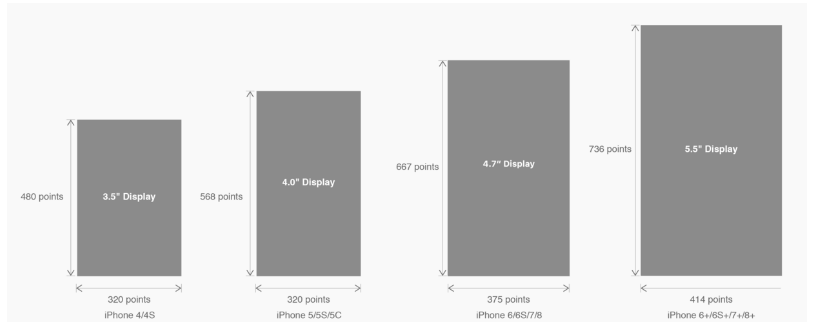 有关HTML5页面在iPhoneX适配问题这篇文章主要介绍了有关HTML5页面在iPhoneX适配问题,需要的朋友可以参考下
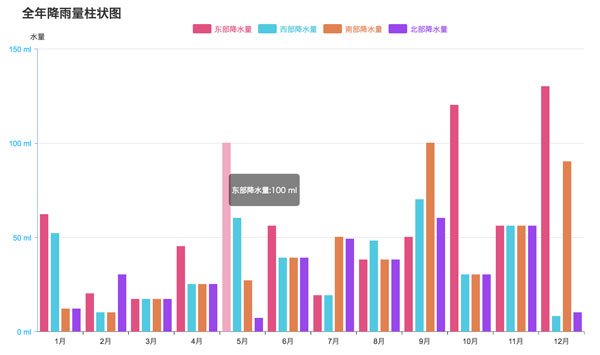 html5中canvas图表实现柱状图的示例本篇文章主要介绍了html5中canvas图表实现柱状图的示例,本文使用canvas来实现一个图表,小编觉得挺不错的,现在分享
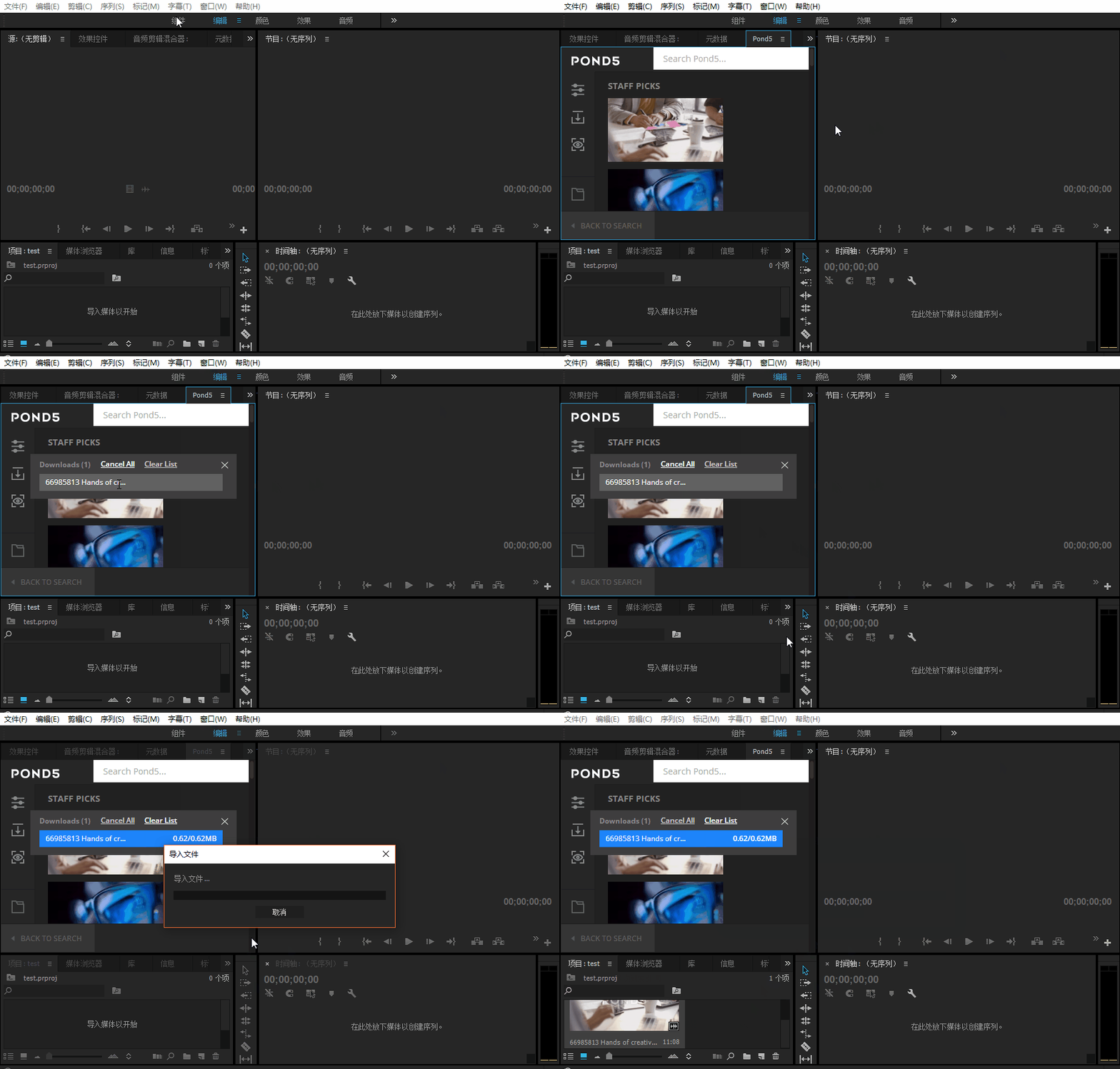 Adobe Html5 Extension开发初体验图文教程Adobe公司出品的多媒体处理软件产品线较多,涵盖了音视频编辑、图像处理、平面设计、影视后期等领域。这篇文章主
 基于HTML5的WebGL经典3D虚拟机房漫游动画这篇文章主要介绍了基于HTML5的WebGL经典3D虚拟机房漫游动画,需要的朋友可以参考下
 html5实现移动端适配完美写法这篇文章主要介绍了html5实现移动端适配完美写法,需要的朋友可以参考下
- HTML5响应式(自适应)网页设计的实现本篇文章主要介绍了HTML5响应式(自适应)网页设计的实现,小编觉得挺不错的,现在分享给大家,也给大家做个参考