ECSHOP模版系统显示标签使用介绍
时间:2017-04-08自定义函数 html_radios 根据给定的数据创建单选按钮组. 该函数可以指定哪个元素被选定,要么必须指定 values 和 ouput 属性,要么指定 options 替代. 所有的输出与 XHTML 兼容,上表未提到的其它参数在 <input> 标签中以”名称/属性”对的方式显示.
例子:
index.php:
require('Smarty.class.php');$smarty = new Smarty;$smarty->assign('cust_ids', array(1000,1001,1002,1003));$smarty->assign('cust_names', array('Joe Schmoe','Jack Smith','JaneJohnson','Carlie Brown'));$smarty->assign('customer_id', 1001);$smarty->display('index.tpl');index.tpl:{html_radios values=$cust_ids checked=$customer_id output=$cust_namesseparator="<br />"}
index.php:
require('Smarty.class.php');$smarty = new Smarty;$smarty->assign('cust_radios', array(1001 => 'Joe Schmoe',1002 => 'Jack Smith',1003 => 'Jane Johnson',1004 => 'Charlie Brown'));$smarty->assign('customer_id', 1001);$smarty->display('index.tpl');
index.tpl:
{html_radios name="id" options=$cust_radios checked=$customer_id separator="<br />"}
输出:
<input type="radio" name="id[]" value="1000">Joe Schmoe<br /><input type="radio" name="id[]" value="1001" checked="checked"><br /><input type="radio" name="id[]" value="1002">Jane Johnson<br /><input type="radio" name="id[]" value="1003">Charlie Brown<br />
相关文章
 ecshop添加菜单及权限分配问题ECShop是一款B2C独立网店系统,适合企业及个人快速构建个性化网上商店。这篇文章主要介绍了ecshop添加菜单及权限分
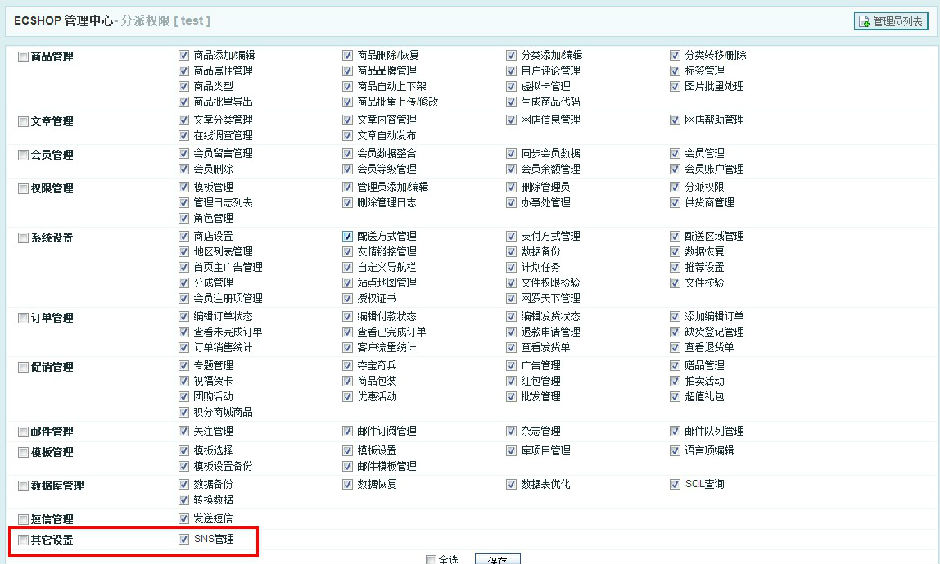 Ecshop 后台添加新功能栏目及管理权限设置教程这篇文章主要介绍了Ecshop 后台添加新功能栏目及管理权限设置教程,需要的朋友可以参考下
 Ecshop实现支付时传送商品订单号和商品名称的方法这篇文章主要介绍了Ecshop实现支付时传送商品订单号和商品名称的方法,涉及Ecshop模板操作及底层代码的修改相关技巧
- ECSHOP 2.7 版本去除底部版权的方法ECSHOP2.7版本的底部版权对于优化与安全都不是很好,所以好多朋友都想给删除了,下面的具体的方法,都是加密过的
- Ecshop 去除版权的设置技巧首先声明个人观点:不建议大家去除别人的版权,请尊重知识产权,特别是这样好的系统。
- ecshop安装遇到安装数据失败的解决方法在我第一次安装ecshop时失败了。提示遇到安装数据失败。并报出警告。
 织梦dedecms后台增加logo上传功能用过dedecms的朋友都知道,织梦cms后台系统基本参数里是无法直接上传图片的,我们更换logo图只能到ftp里替换,非常的不方便
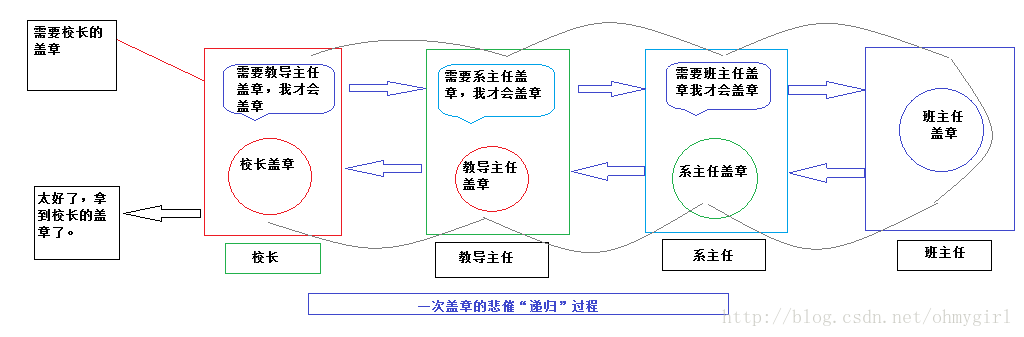 PHP中递归的实现实例详解递归(http:/en.wikipedia.org/wiki/Recursive)是一种函数调用自身(直接或间接)的一种机制,这种强大的思想可以把某些复杂的概